
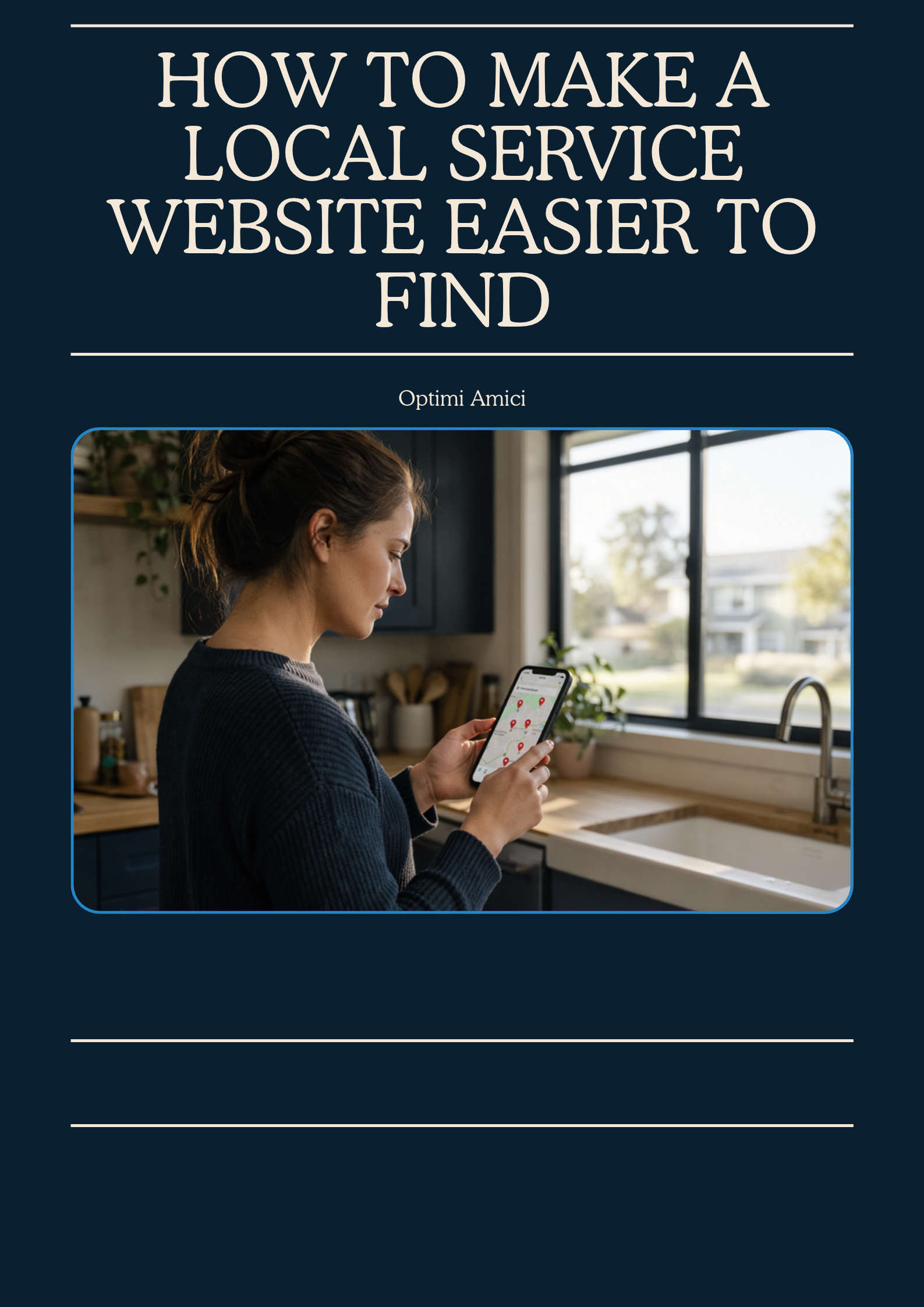
How to Make a Local Service Website Easier to Find
Practical, no-guarantee steps to help search engines and nearby customers understand what your local service business does, where it works and how to reach you.
Short answer: A local service website is easier to find when it states plainly what the business does, which services it offers, and where it works, uses the same business name and contact details everywhere, and connects to an accurate, complete Google Business Profile. None of this guarantees a ranking, but it gives search engines and customers clear, consistent information to work with.
"Getting found" can sound mysterious. In practice, much of it comes down to removing confusion: making sure that anyone, or any search system, that looks at your business can quickly tell what you do, who you serve, and how to reach you.
How does Google decide which local businesses to show?
Google publishes the basics. Its Business Profile help page on local ranking says local results are based mainly on three factors:
- Relevance: "how well a Business Profile matches what someone is searching for."
- Distance: "how far each business is from the customer who's searching."
- Prominence: "how well-known a business is," which Google says draws on information such as links, reviews, and ratings.
The same page is direct about one thing: "There's no way to request or pay for a better local ranking on Google." (Google Business Profile Help: Tips to improve your local ranking on Google)
You cannot change distance, and prominence builds over time. Relevance is the factor a clear website and profile can help with most directly.
Step 1: Say exactly what you do, in the words customers use
Search engines need to understand a page before they can show it. Google's guide to how Search works describes three stages: crawling, indexing, and serving results that are "relevant to the user's query." (Google Search Central: How Google Search works)
To make your relevance obvious:
- Name the service on the page. If you repair furnaces, the words "furnace repair" should appear in a heading and in the text, not only in a photo.
- Use the terms customers would type. Google's SEO Starter Guide encourages writing with your readers in mind and anticipating differences in how people search for the same thing. (Google Search Central: SEO Starter Guide)
- Give each main service a short, specific description. One clear paragraph per service beats a long list of keywords.
Step 2: Make your service area clear
For a local business, "where" is part of "what." State the city, region, or neighbourhoods you actually serve on your Home or Services page. If you work at customers' locations rather than a storefront, say so.
Only list areas you genuinely serve. Listing places you do not cover can bring in inquiries you have to turn away, and it makes your information less trustworthy.
On Google Business Profile, service-area businesses are handled a little differently. Google's guidelines say: "If you're a service-area business, you should hide your business address from customers," and ask businesses to "use a precise, accurate address and/or service area to describe your business location." (Google Business Profile Help: Guidelines for representing your business on Google)
Step 3: Keep your name and contact details consistent
Use the same business name, phone number, and email on your website, your Google Business Profile, and your social profiles. Google's guidelines ask businesses to represent themselves "as it's consistently represented and recognized in the real world across signage, stationery, and other branding." (Same source as above.)
Practical checks:
- The business name in your site header matches your signage and your profile.
- The phone number is the same everywhere and is a tappable link on mobile.
- When a number or email changes, update every place it appears, including older pages and directory listings.
Step 4: Complete and maintain your Google Business Profile
Google's local ranking page recommends entering complete business information, verifying your business, keeping hours accurate, responding to reviews, and adding photos. (Google Business Profile Help: Tips to improve your local ranking)
Your website and profile should support each other. Link the profile to your website, and make sure the website confirms the same services, area, and contact details that the profile shows.
Step 5: Get the technical basics right
You do not need to be technical to check these, but your website provider should handle them:
- Descriptive page titles. Google recommends titles that are "unique to the page, clear and concise, and accurately describes the contents of the page." (SEO Starter Guide)
- Useful meta descriptions. The same guide describes a good meta description as "short, unique to one particular page, and includes the most relevant points."
- Pages that link to each other. Google "primarily finds pages through links from other pages it already crawled," so your Home, Services, and Contact pages should link to one another. A sitemap can also help point Google to important URLs.
- Local business structured data. Google supports
LocalBusinessmarkup that can describe details such as business hours. Google also notes that it "does not guarantee that features that consume structured data will show up in search results." (Google Search Central: Local business structured data)
Step 6: Make the next step obvious once you are found
Being found is only half the job. When a nearby customer lands on your site, they should immediately see how to call, message, or send a request. A short form that asks for name, phone, and job details is often enough; our guide on what a smart lead form should ask covers this in more detail.
What to avoid
- Promises of "guaranteed first-page rankings." Google itself says there are "no secrets here that'll automatically rank your site first."
- Stuffing pages with city names or keywords that make the text awkward to read.
- Listing services or service areas you do not actually offer.
- Leaving old phone numbers or hours on any page or profile.
FAQ
Do I need a website if I already have a Google Business Profile?
A profile is valuable, but a website gives you space to explain your services, service area, and next steps in your own words, and Google's guidelines let you link a website that represents your business. Many local businesses use both.
How long does it take to show up in local search?
There is no fixed timeline, and no one can honestly guarantee a position. Clear, consistent information and an accurate profile are the foundations you control.
Should I make a separate page for every town I serve?
Only if you have genuinely useful, distinct information for each place. Thin pages that repeat the same text with a different town name are not helpful to customers.
Next step
Search for your own business the way a customer would, then compare what you find with your website: is the name, phone number, service list, and service area the same everywhere? Optimi Amici's Smart Website includes local-search positioning that presents "your business, services, and service area clearly so nearby customers can understand whether you are the right fit," as described on our Services page. If that sounds useful, tell us about your business.
Sources
- Google Business Profile Help: Tips to improve your local ranking on Google
- Google Business Profile Help: Guidelines for representing your business on Google
- Google Search Central: In-depth guide to how Google Search works
- Google Search Central: SEO Starter Guide
- Google Search Central: Local business (LocalBusiness) structured data
- Optimi Amici Services: Smart Website features, including local-search positioning.
Reviewed: November 23, 2026. Google guidance changes over time; recheck the linked pages before relying on specific wording.